KHIZHNYAKOV

← All templates

Employee Lateness and Discipline Tracking in Excel — Excel Template

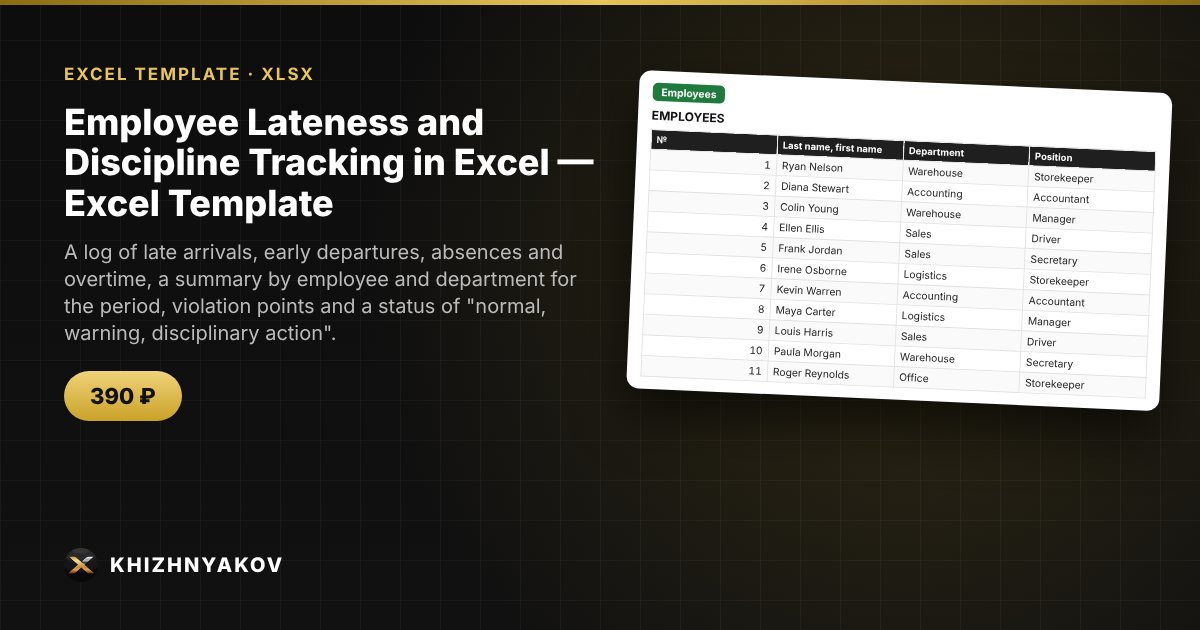
A log of late arrivals, early departures, absences and overtime, a summary by employee and department for the period, violation points and a status of "normal, warning, disciplinary action".

Employee Lateness and Discipline Tracking in Excel — Excel Template
≈ $4.89
390 ₽
Blank template + filled-in example · Excel 2007+, LibreOffice, Google Sheets
Payment is processed securely by YooKassa in Russian rubles. If your card is declined, email us at info@хижняков.рф and we will arrange another way to pay.

What it is for

When late arrivals and absences are kept "in your head" or in scattered notes, you have nothing to rely on in a conversation with an employee. Here a manager or HR specialist enters events into a single log, and for the chosen period the spreadsheet counts the number and minutes of late arrivals, early departures, absences, overtime and violation points, and shows each employee's status and a comparison of departments.

What is inside

  • "Settings": organization, period, points for each event type, "warning" and "disciplinary action" thresholds.
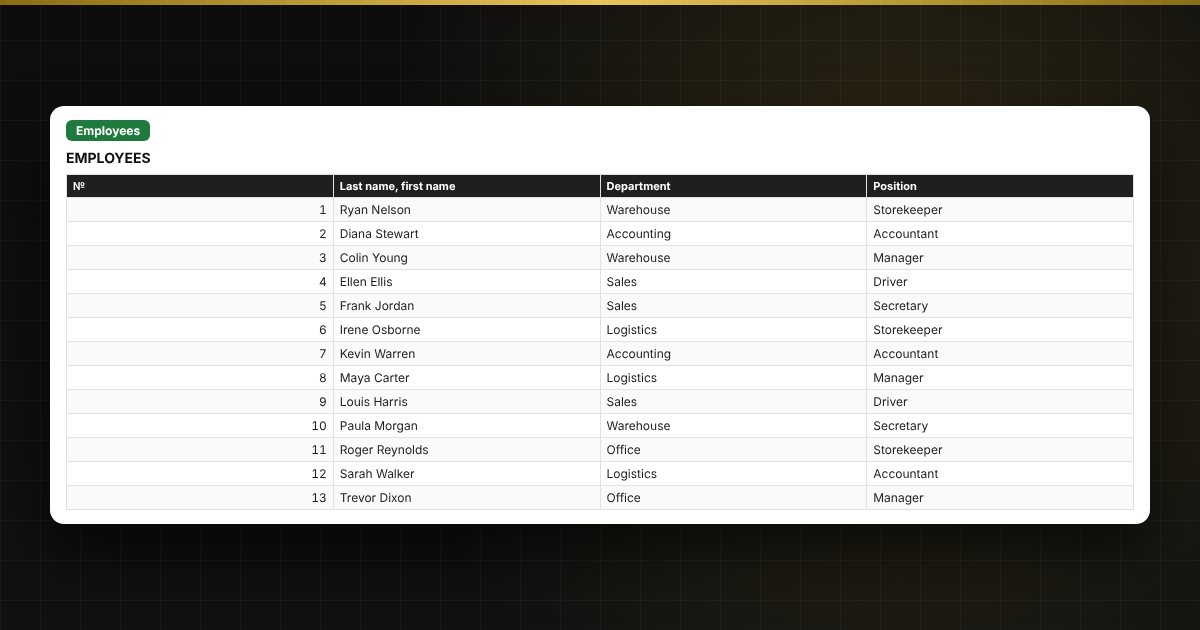
  • "Employees": up to 60 people — name, department, position.
  • "Log": up to 1,500 events — date, employee, type, minutes, comment; points and department are filled in automatically.
  • "Summary": for each employee over the period — events, minutes, points and status.
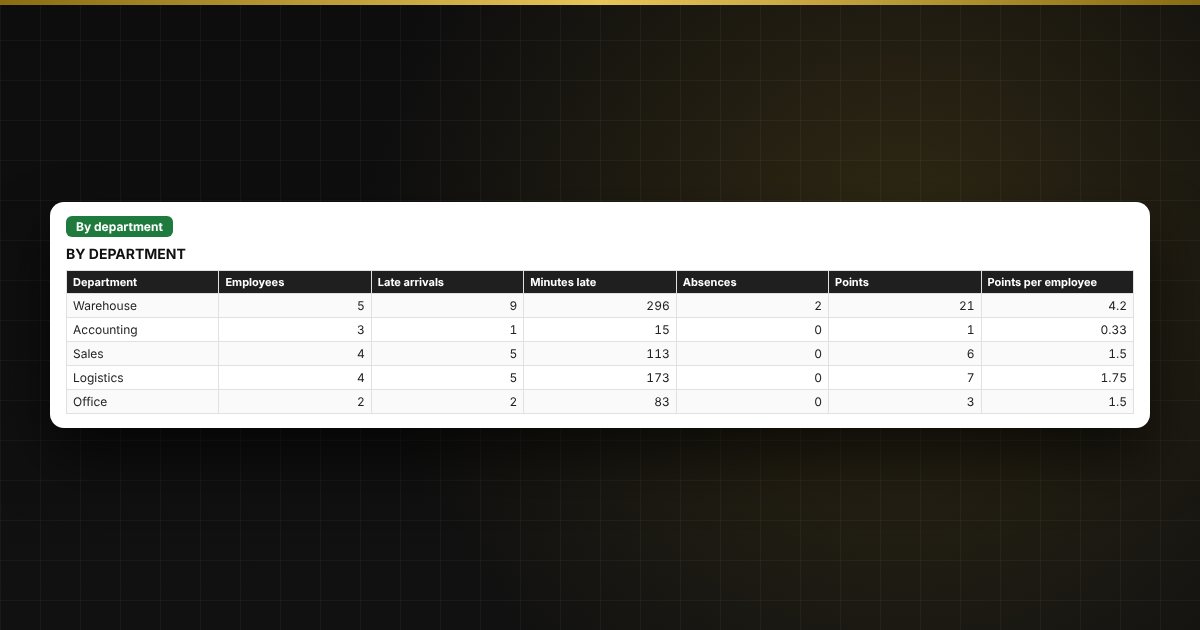
  • "By department": violations by department and a chart.

Who it is for

Heads of departments and small companies, HR staff, managers of shops, warehouses and salons, and anyone responsible for work discipline.

Compatibility

Excel 2007 and later, LibreOffice. No macros. The spreadsheet records facts and shows statistics; it is not a basis for disciplinary action — follow labour law and your internal rules (check your local rules). The file is in English.

📘 How to Track Employee Lateness and Attendance in Excel

Questions and answers

How are violation points calculated?
You set points for each event type in the settings, and the spreadsheet multiplies them by the number of events in the period. Overtime is not included in the points.
Can I change the thresholds and points?
Yes, everything is set in "Settings": the event type, the points and the status thresholds.
Is this a basis for disciplinary action?
No. The spreadsheet records facts and shows statistics. Disciplinary action is applied under labour law and your internal rules, after asking the employee for an explanation.
Can I view data for another month?
Yes, just change the "Period from" and "to" dates in "Settings" — the summary recalculates.
Do I need macros?
No. The file works in Excel 2007 and later and in LibreOffice, and all calculations use ordinary formulas.