
KHIZHNYAKOV

← All templates

Employee Absence Tracker in Excel: Sick Leave, Vacations, Time Off, Business Trips, Department Calendar

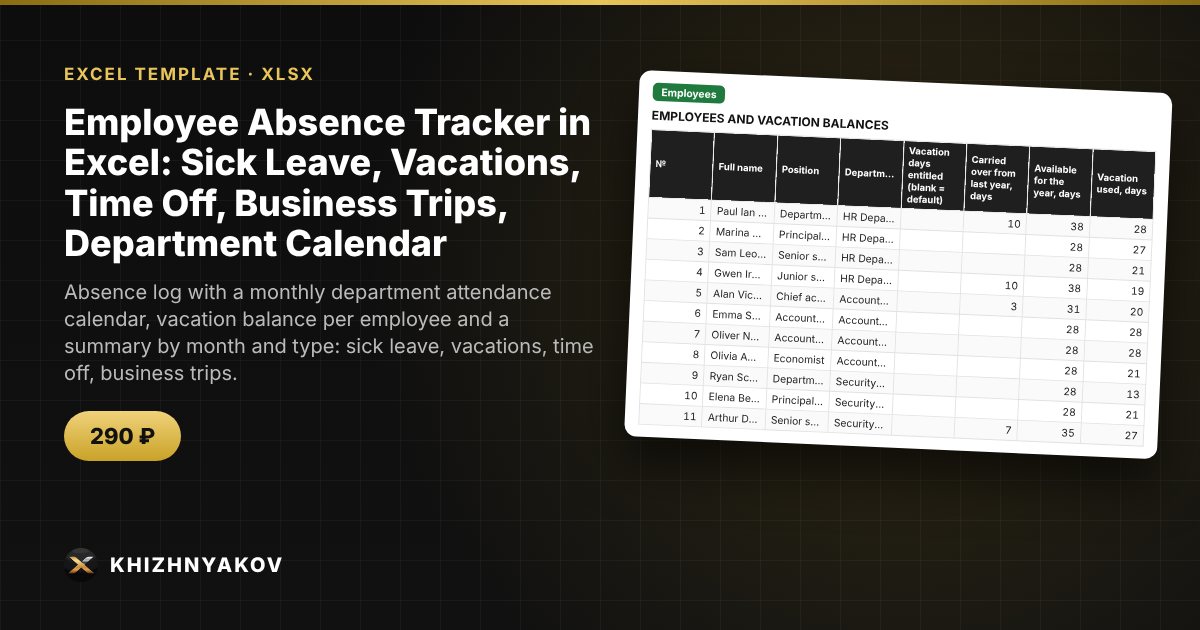
Absence log with a monthly department attendance calendar, vacation balance per employee and a summary by month and type: sick leave, vacations, time off, business trips.

Employee Absence Tracker in Excel: Sick Leave, Vacations, Time Off, Business Trips, Department Calendar
≈ $3.59
290 ₽
Blank template + filled-in example · Excel 2007+, LibreOffice, Google Sheets
Payment is processed securely by YooKassa in Russian rubles. If your card is declined, email us at info@хижняков.рф and we will arrange another way to pay.

What it is for

Who is on vacation today, who is on sick leave, who still has unused vacation days, and will five people from one department leave on the same days? This is usually worked out from memory and scattered orders. Here each absence is entered as one row, the monthly calendar draws itself, the vacation balance is calculated for each employee, and exceeding the permitted number of absent people is highlighted in red.

What's inside

  • "Settings": year, vacation allowance, permitted number of people absent at the same time, large-balance threshold, public holidays, departments.
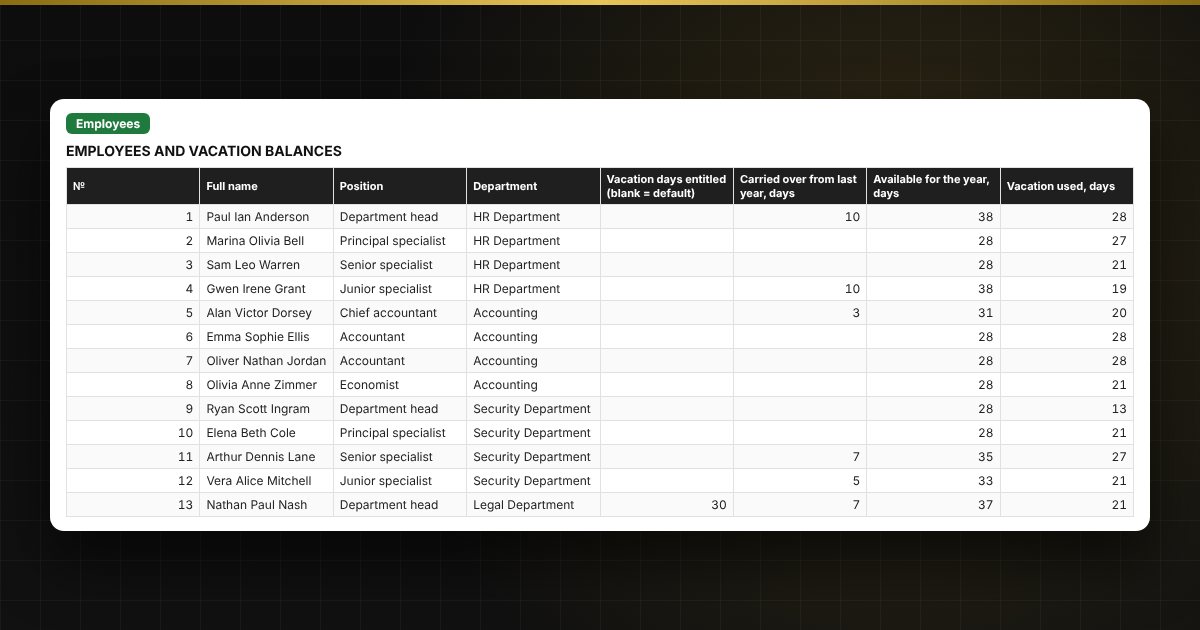
  • "Employees": up to 60 people — name, position, department, carry-over, used, planned, balance, sick leave, time off, business trips, status today and control.
  • "Absences": up to 800 records — employee, type, dates, basis; calendar and working days, status and overlap check.
  • "Calendar": department attendance for any month with codes V, S, T, B, the number of absent people per day and totals per employee.
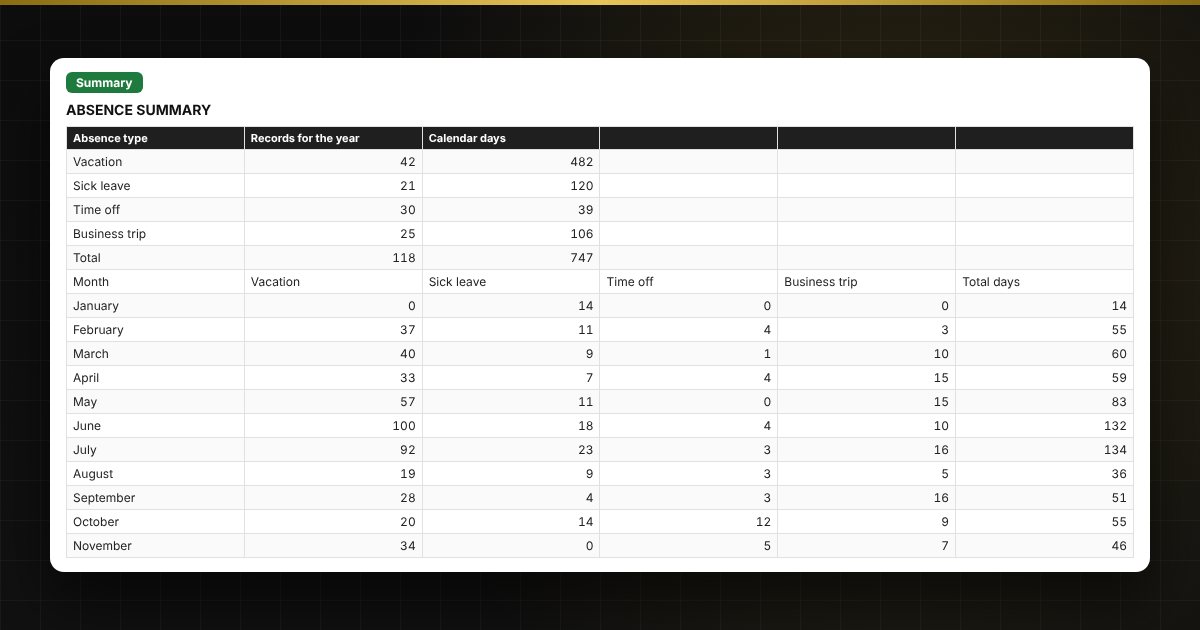
  • "Summary": absences by month and type, control by department, two charts.

Who it is for

HR specialists and department managers in public bodies, institutions and small organizations who need to see who is absent and when, and not lose track of vacation balances.

Compatibility

Excel 2007 and later, LibreOffice. No macros. The file is in English. Rates, thresholds and standard values are placed in the settings: check them against your own rules and local requirements before use. The calculation is approximate.

📘 Employee Absence Tracker in Excel: Vacations, Sick Leave and Team Calendar

Questions and answers

How is the vacation balance calculated?
The balance equals the entitled days plus the carry-over from last year minus used and planned days. Calendar days of vacation, excluding public holidays from your list, are deducted from the balance. You set the allowance yourself.
How can I see who is absent on a specific day?
On the "Calendar" sheet enter any date in the month you need: the table shows the codes V, S, T, B for each employee and the number of absent people on each day.
Does the spreadsheet check overlapping vacations?
Yes. If one person has two absences that overlap by dates, or the "to" date is earlier than "from", a hint appears in the log. The total number of people absent at the same time is highlighted in red in the calendar above the set limit.
Can I enter a vacation split into parts?
Yes, each part is entered as a separate row with its own dates, and the balance is reduced by the sum of the parts.