 KHIZHNYAKOV
What it is for
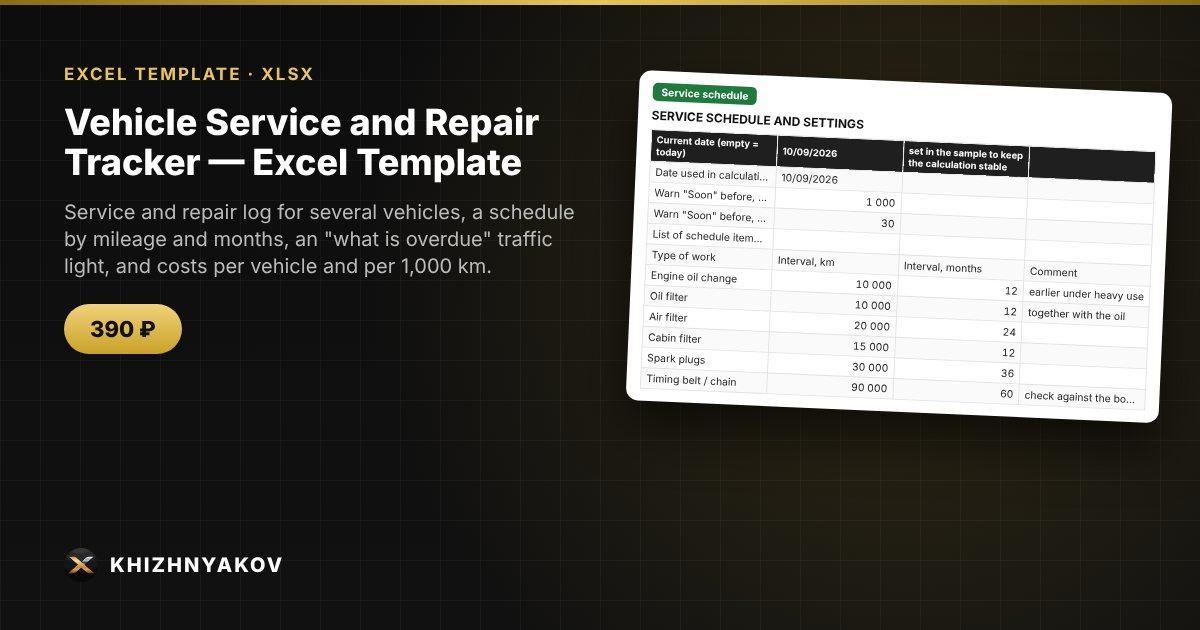
A forgotten oil change or timing belt replacement is expensive, and receipts and booklet entries get lost. Here you enter the work in the log, and the spreadsheet uses your schedule to calculate when the next service is due for each item and shows a traffic light: red = overdue, yellow = soon, green = OK.
What is inside
- "Vehicles": up to 20 vehicles: license plate, make, year, mileage at the start of tracking and current mileage.
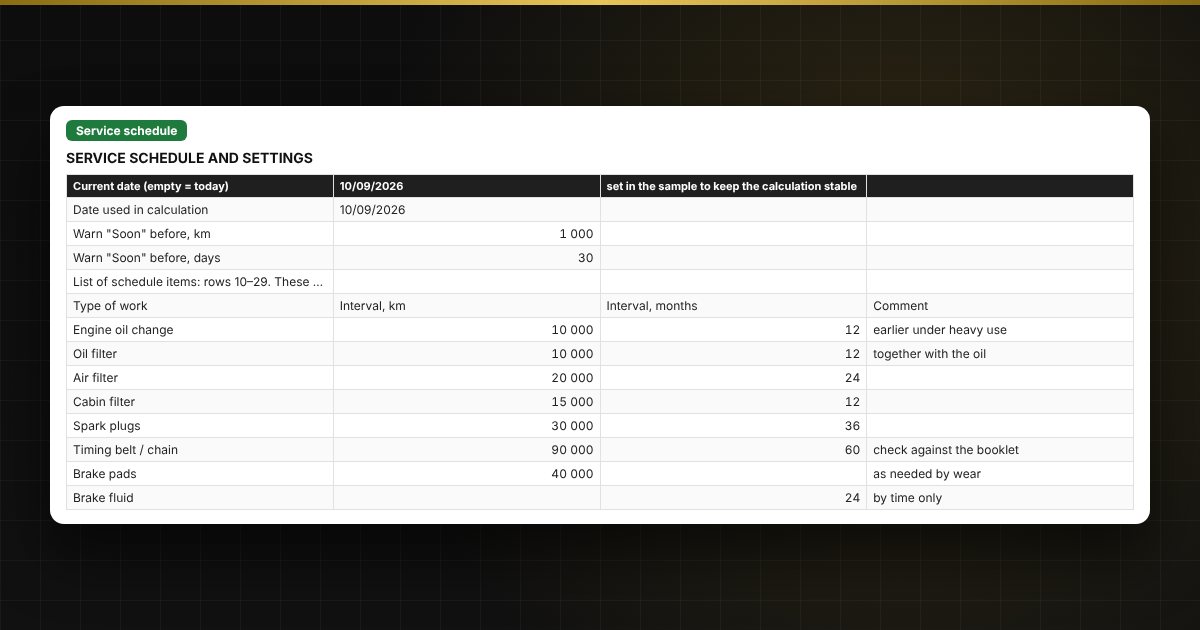
- "Service schedule": up to 20 items (oil, filters, spark plugs, timing belt, brake pads, fluids) with an interval in kilometers and/or months and warning settings.
- "Log": up to 500 records: date, mileage, type of work, category, parts and labor separately, workshop; mileage check.
- "Service plan" and "Traffic light": the next replacement by mileage and by date, remaining km and days, and a status for every item of every vehicle.
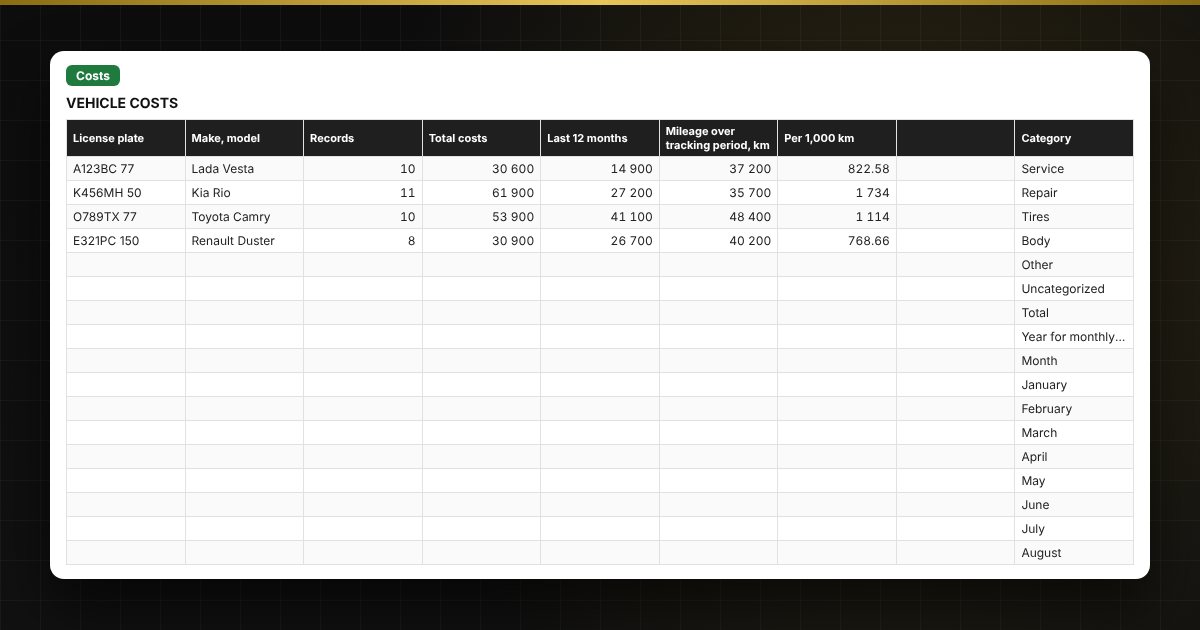
- "Costs": by vehicle, for 12 months, by category, by type of work and by month, cost per 1,000 km, a chart.
Who it is for
Owners of one or several private vehicles, small fleets, taxi and delivery drivers using their own cars, and small-business mechanics who track servicing without special software.
What you get
The package contains a blank spreadsheet and a filled-in sample with fictional data, so you can see how the formulas and checks work. It is a spreadsheet built on ordinary formulas, not accounting software. All fixes and new versions of the project are free.
Compatibility
Excel 2007 and later, LibreOffice. No macros. The file is in English. Intervals and thresholds are kept in the schedule: check them against your vehicle's service booklet before use. The calculation is approximate.