 KHIZHNYAKOV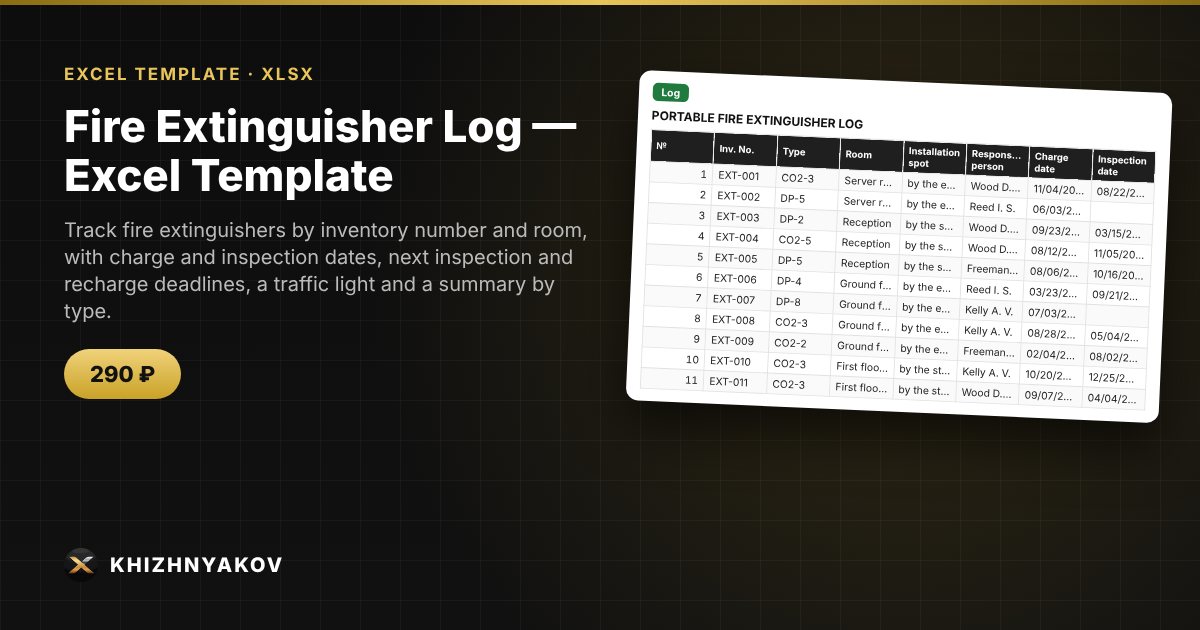
What it is for
A forgotten inspection or recharge of a fire extinguisher is a common cause of remarks during inspections. The spreadsheet calculates the deadline by extinguisher type, shows the days remaining, highlights overdue ones in red and, on a separate sheet, builds a list of what needs to be done first.
What is inside
- "Settings": calculation date, how many days ahead to warn, inspection and recharge intervals by type (dry powder, CO2, water and others) and a list of rooms.
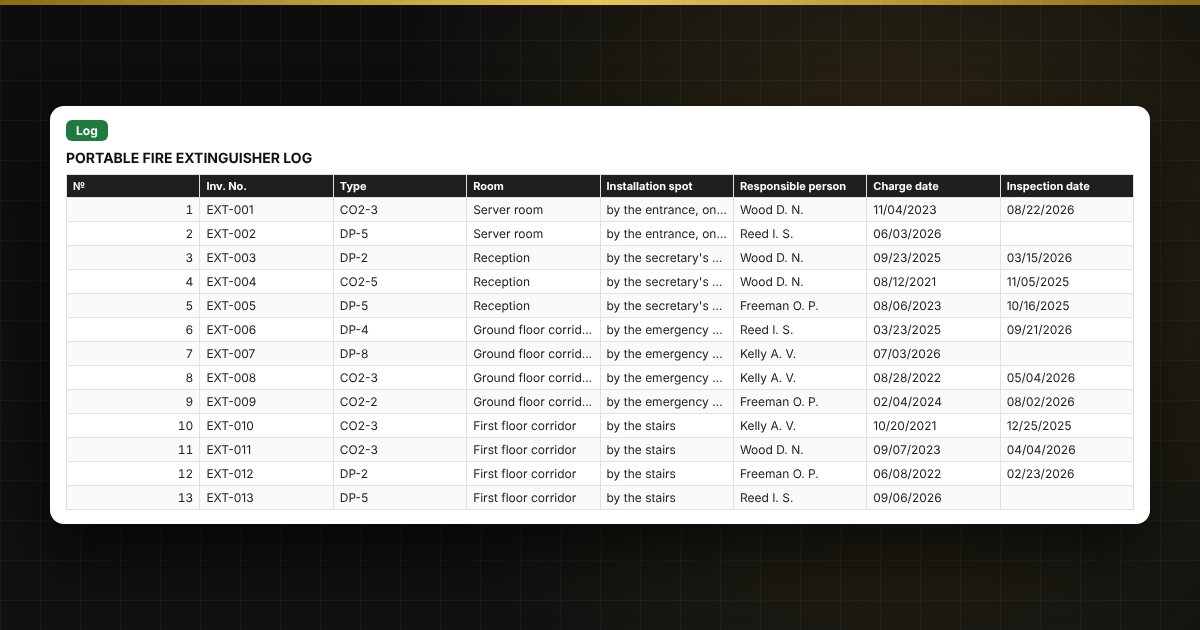
- "Log": up to 200 extinguishers: inventory number, type, room, installation spot, responsible person, charge and inspection dates, deadlines and a traffic light.
- "Needs attention": overdue extinguishers and those close to their deadline, in order, starting with the most overdue.
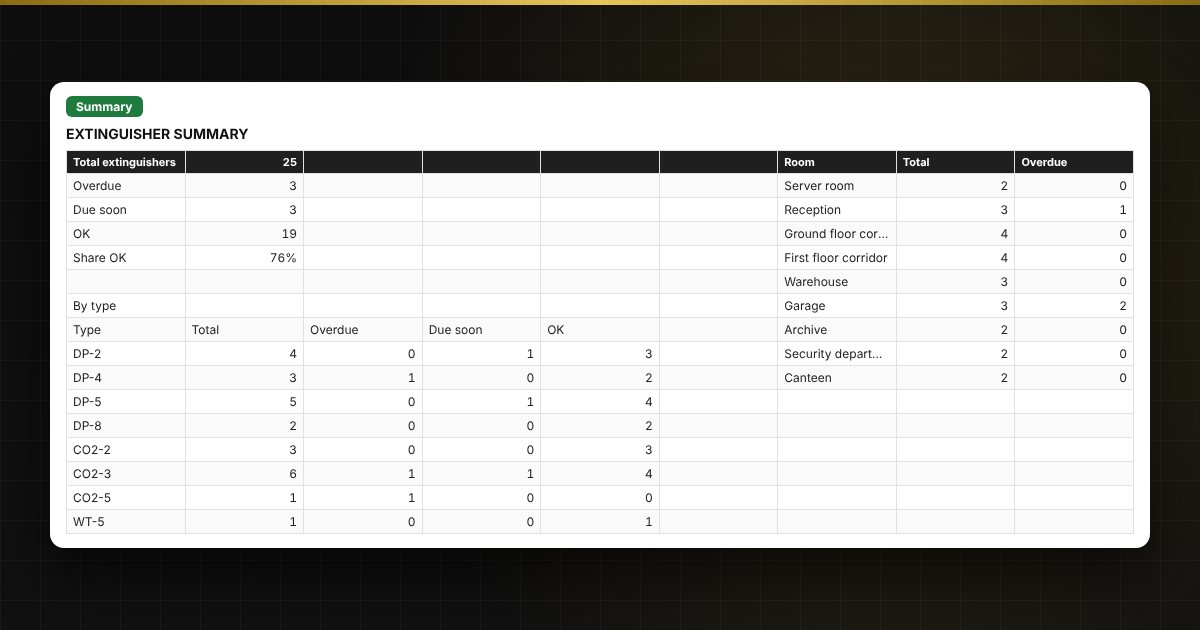
- "Summary": counts by type and room, overdue, due soon and OK, a chart.
Who it is for
Fire safety officers, administrators and facility managers, managers of offices, warehouses and shops, and heads of small organizations.
What you get
The package contains a blank spreadsheet and a filled-in sample with fictional data, so you can see how the formulas and checks work. It is a spreadsheet built on ordinary formulas, not accounting software. All fixes and new versions of the project are free.
Compatibility
Excel 2007 and later, LibreOffice. No macros. The file is in English. Intervals and thresholds are kept in the settings: check them against your local rules before use. The calculation is approximate.