 KHIZHNYAKOV
What it is for
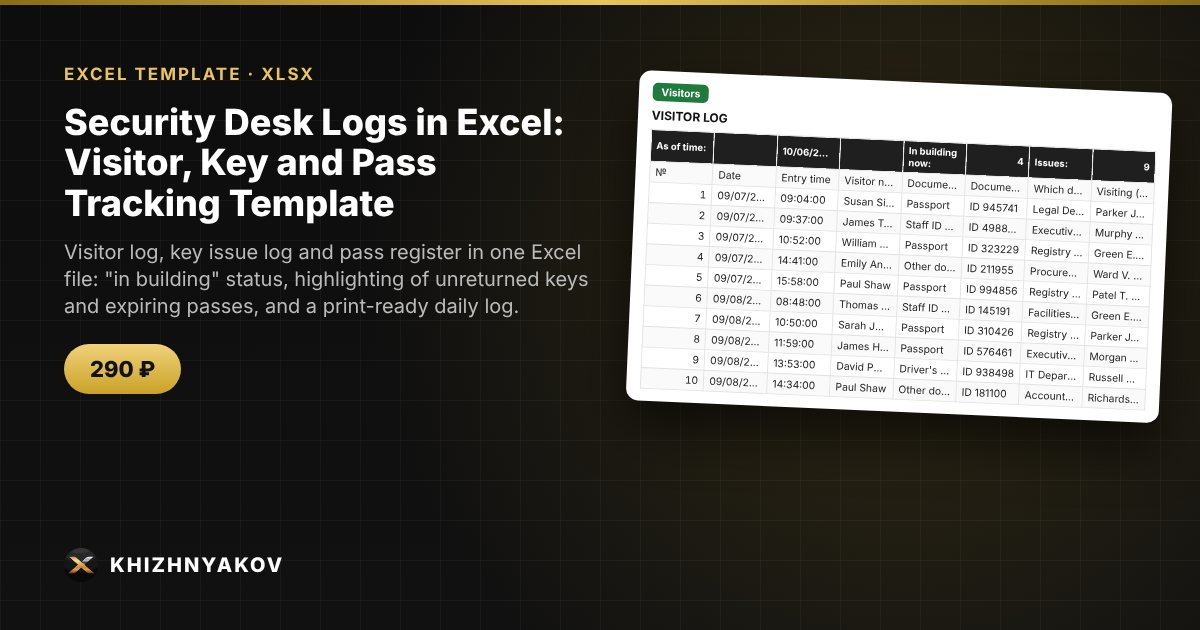
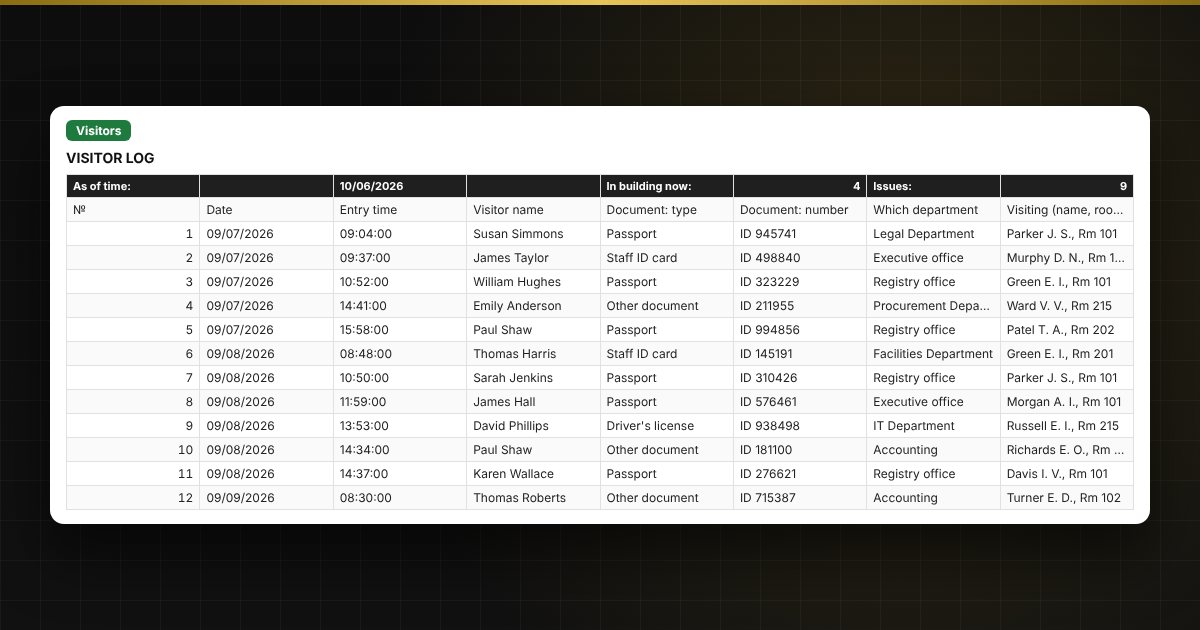
Keep all your security post logs in a single file: who came and left, who currently holds the keys to which rooms, which passes are valid and when they expire. Excel calculates visit duration, shows who is in the building right now, and highlights keys that have not been returned, visits that run too long and passes nearing expiry.
What is inside
- "Instructions": how to get started in 5 minutes, what the colors mean, caveats and a personal data warning.
- "Settings": organization, post, allowed visit duration, end of the working day, time a key may stay out, pass expiry warning period; lists of rooms, departments, officers on duty, pass types, documents and visit purposes.
- "Visitors": up to 1000 records: date, entry time, name, document, who they are visiting and which department, purpose, pass No., exit time; duration, "in building / left" status and checks are automatic.
- "Keys": up to 600 key issue and return records, "out / returned" status, highlighting of unreturned and re-issued keys, number of keys out right now.
- "Passes": a register of up to 300 passes (one-time, temporary, permanent) with validity period, status and a warning N days before expiry.
- "Summary": visitors by day and week, most visited departments, keys out, passes about to expire, and a chart.
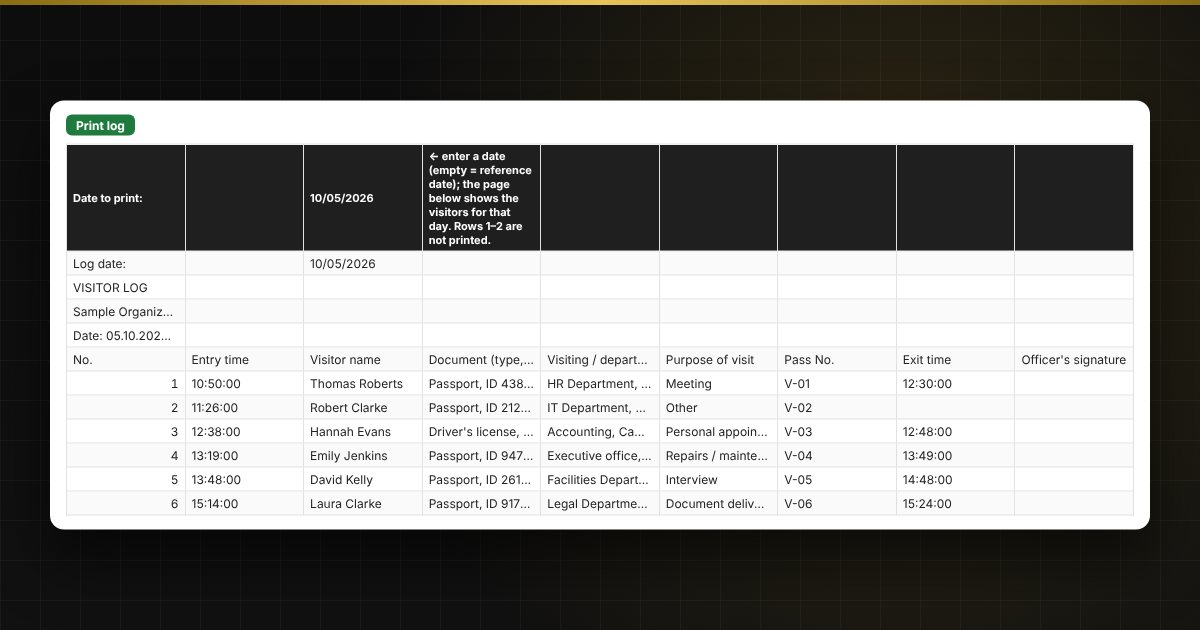
- "Print log": the visitor log for a chosen date in a print-ready layout with columns for the duty officer's signature.
For public institutions and large sites
In a government office, school, hospital or municipal building, the duty officer sees who is in the building right now, while the head of security gets a ready summary of visitors and keys and a list of passes that need to be renewed or collected. The print form for a chosen day is handy for shift handovers and inspections.
Who it is for
Duty officers and heads of security, access control staff, facility managers and building administrators, and managers of schools, hospitals, offices and other organizations who keep a visitor log, a key issue log and a pass register.
Compatibility
Excel 2007 and later, LibreOffice. No macros or external links. The allowed time, end of the working day, key time limit and warning period in the sample are defaults: check them against your local rules and your own access control procedure. This is a working log form, not an official blank form. The file is in English. It contains visitors' personal data: store and process it according to your organization's rules.